
-
CycleTrack and SDN are teaming up to make medical school admissions more transparent and accessible! Read the announcement to learn how we’re supporting the future of CycleTrack’s free application-tracking tools .
You are using an out of date browser. It may not display this or other websites correctly.
You should upgrade or use an alternative browser.
You should upgrade or use an alternative browser.
Note taking
Started by SnowyDPT
Get help with your application
Use all the free resources available to you from SDN: articles, guides, expert advising, forums discussions, and school research.


I'm going to use a combination of a tablet, laptop, and old school notebook. I plan on using the tablet primarily for taking pictures and recording lectures. I'll decide on whether to use a laptop or notebook once I see how the class is structured. Probably use a laptop for note taking, and the notebook for drawing pictures.
I've been doing that in undergrad using an app called Notability, and I'll probably continue using it through PT school. It lets you import slides and write/type/draw on them. It's definitely a lot easier carrying an iPad around vs. multiple binders and notebooks.I like the idea of importing slides into an app such as OneNote and being able to add personal commentary on the slides as the professor progresses through the notes. I think...
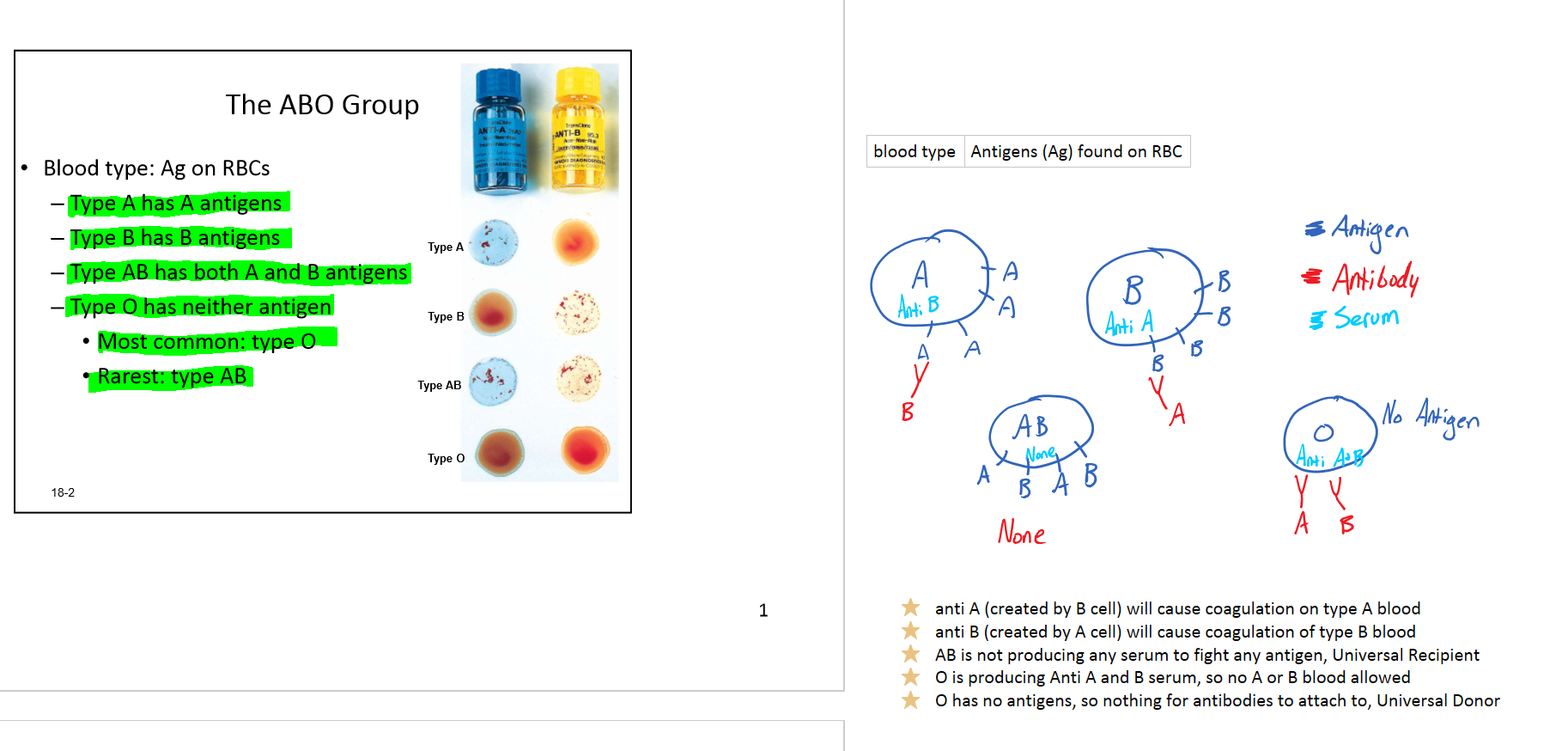

One note if you have surface pro, notability if you have iPad. You can do visa-versa and it still works fine, but I've found that using the note-taking app that was originally designed for your device can be a little more intuitive. I honestly haven't tried it on Android tablets. And there is seriously a plethora of note-taking apps out there, but I've looked at several and I still think the mainstream/most popular ones are probably the best ones.

Is Notability first party?One note if you have surface pro, notability if you have iPad. You can do visa-versa and it still works fine, but I've found that using the note-taking app that was originally designed for your device can be a little more intuitive. I honestly haven't tried it on Android tablets. And there is seriously a plethora of note-taking apps out there, but I've looked at several and I still think the mainstream/most popular ones are probably the best ones.
Is Notability first party?
Do you mean is it sold directly by Apple? Sorry not familiar with what you mean...but no it isn't distributed by Apple if that's what you mean. But I believe it was intially developed for use on the ipad, and using an ipad that's the notetaking software I've found to be the most intuitive to figure out how to use. But onenote is great and the surface pro gets a lot of good reviews so I figure they are good together. OneNote does have better palm rejection than notability, but they both work great.
OneNote on the iPad however does not have palm rejection, I believe only on the surface pro it does.
One note on my ipad air 2 does have palm rejection, but it can be a little glitchy at times.
